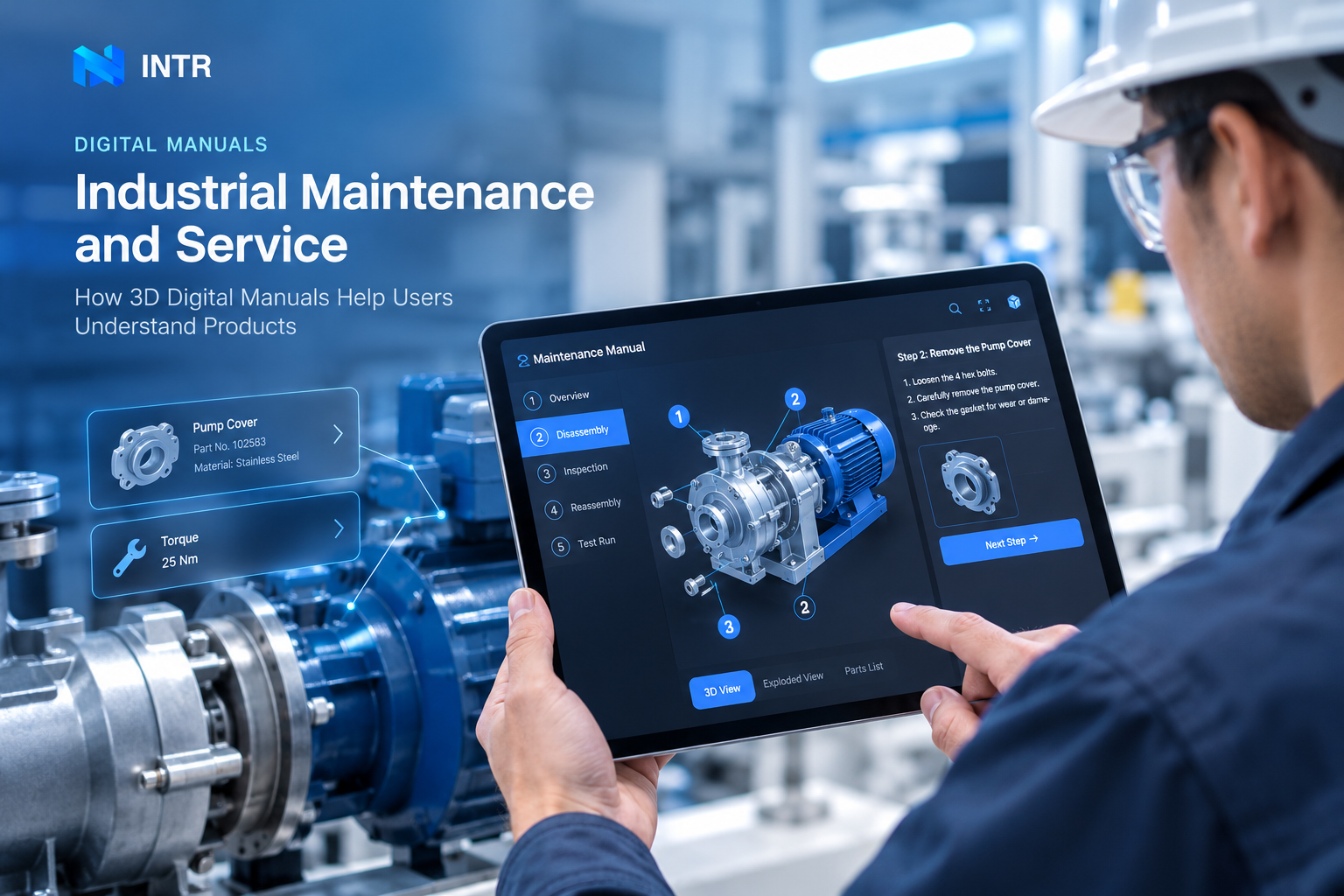
Illustrative interface; not product-specific instructions.
A digital manual is most useful when it helps people understand a product in the context where they inspect, operate, or maintain it. For complex industrial equipment, the challenge is often not finding a paragraph in a document. It is identifying the correct component, locating it within an assembly, and understanding how a service step relates to the product’s actual structure. That is also where the rest of the documentation set matters, because one manual rarely carries every task a service team needs.
A web-based manual can connect product information with interactive 3D, component details, approved instructions, and supporting documents. The purpose is not to make every instruction interactive. It is to make the parts that depend on spatial understanding easier to follow.
The first maintenance challenge is finding the right component
Before starting a service task, a technician needs to confirm which component the instruction refers to and where that component sits in the equipment.
A useful information path is:
Equipment → component → relevant instruction → confirmation
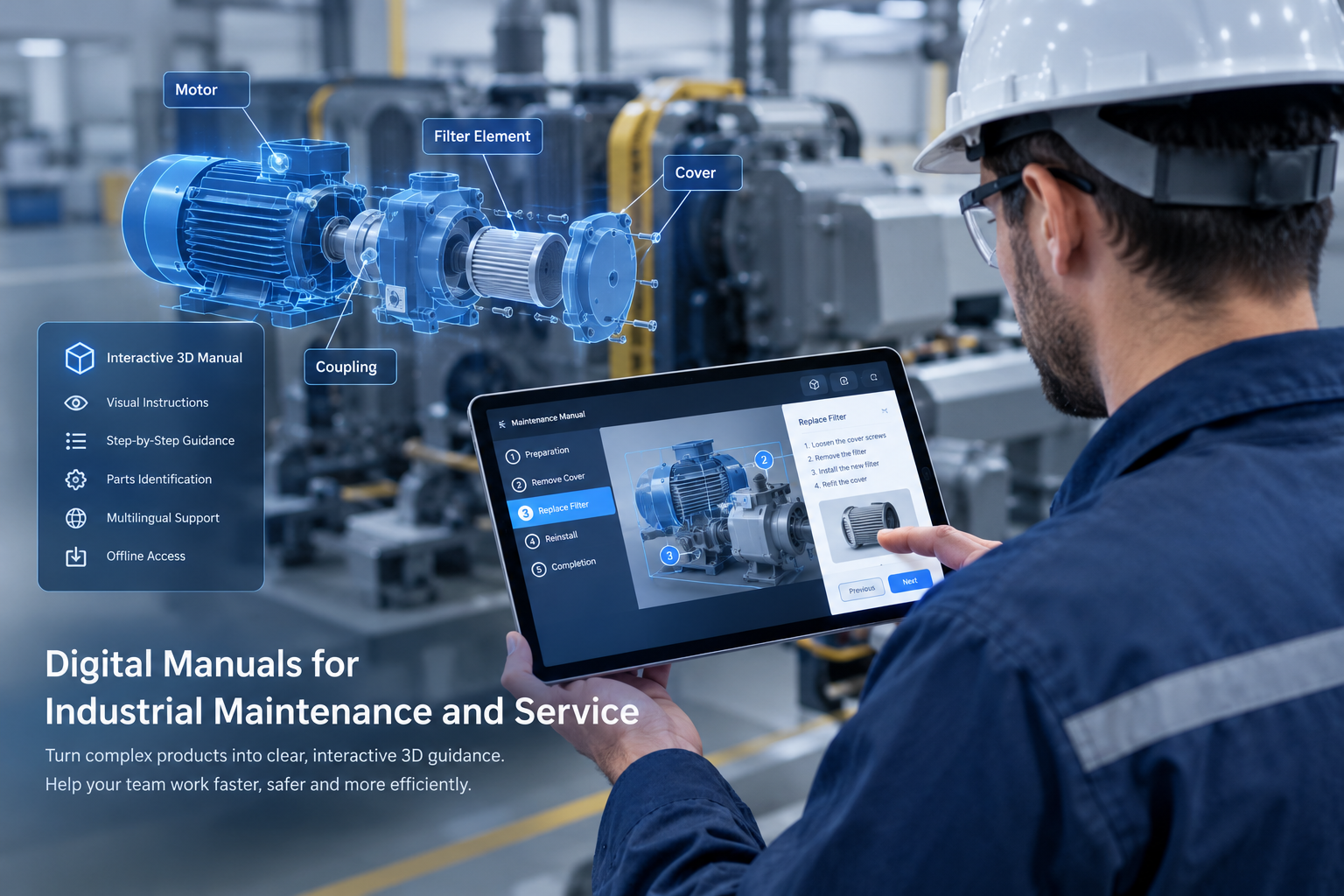
With interactive 3D, a user can begin with the overall assembly, locate the relevant area, select a component, and open the information associated with it. This can reduce the effort of matching a part in a separate list or diagram to its physical position, especially when several components look similar or sit behind other parts.
The 3D scene should preserve enough of the overall assembly for the user to remain oriented. Isolating a component is helpful only if the user can still understand where it belongs.
When does 3D add value to a digital service manual?
Interactive 3D is worth considering when the service task depends on one or more of the following:
- Component location: users need to find a part within a large assembly.
- Internal structure: a conventional exterior view does not explain the relevant relationship.
- Orientation or access: the position, direction, or access path matters to the task.
- A change of product state: users need to understand how a mechanism or assembly changes between steps.
- Related product information: a selected part needs to connect to specifications, diagrams, warnings, or supporting documents.
For a straightforward procedure that can be explained clearly with a photograph and a few sentences, adding 3D may not help. The deciding question is whether the interaction resolves a specific point of confusion for the user.
Build 3D work instructions around an approved task
3D work instructions can make spatial relationships and step transitions easier to understand. They should be organized around a real maintenance task, rather than around the list of features available in a 3D engine.
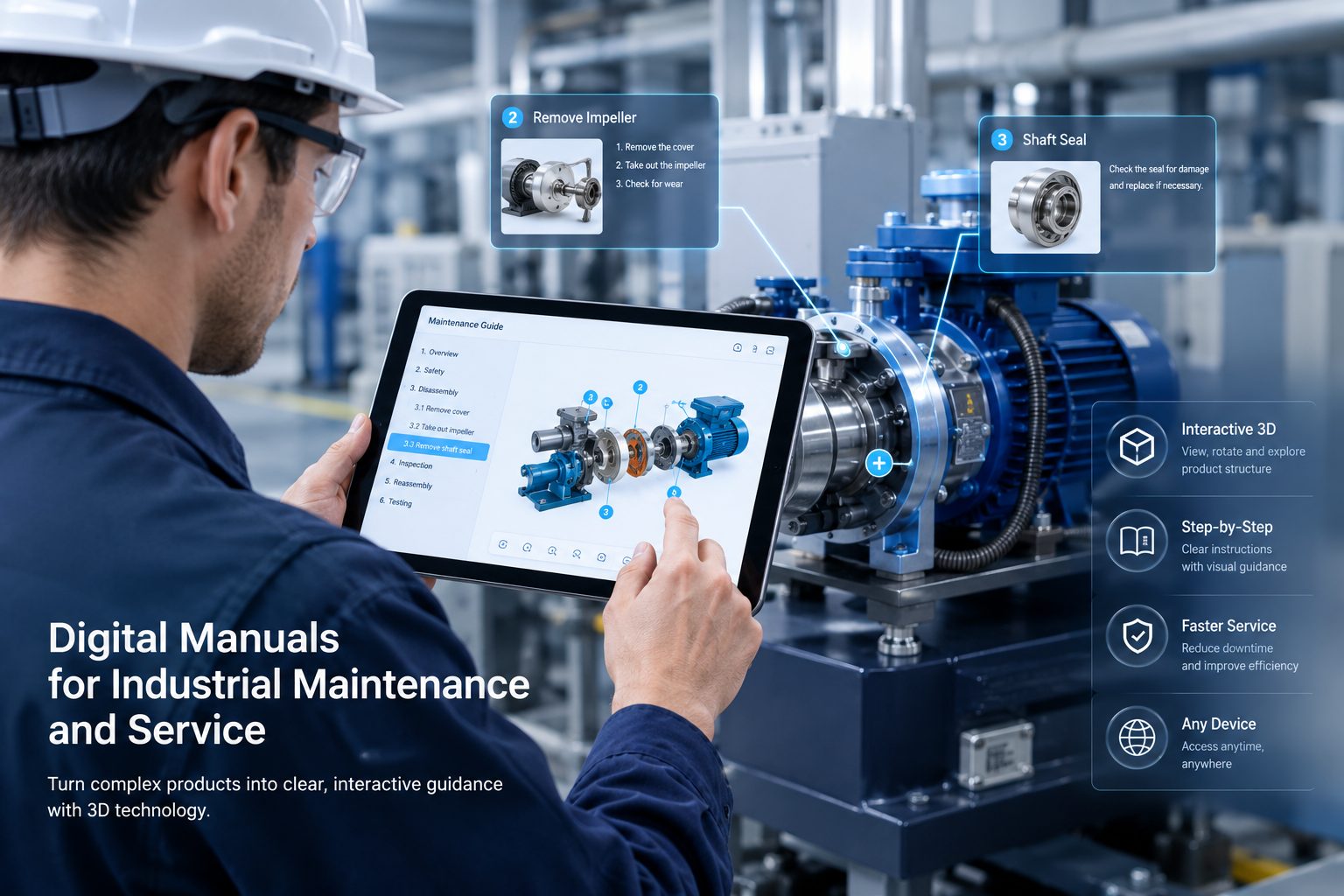
A task-focused sequence may follow this structure:
- Orient the user. Show the full product or relevant assembly and identify the service area.
- Identify the component. Highlight or select the intended part while preserving its context.
- Explain the step. Present the approved instruction with the relevant 3D state, image, animation, or diagram.
- Show the next state. Where useful, illustrate the intended relationship after the step without inventing a procedure or implying an unverified action.
- Return to context. Help the user understand how the component relates to the complete assembly before moving on.
Technical instructions, safety notes, and maintenance sequences must come from the manufacturer’s approved source material. A visual demonstration should clarify the approved procedure, not replace engineering review.
Use section views and animation only when they answer a question
A section view can help when an internal component or hidden connection is relevant to a service task. It may help explain where a component sits, how parts align, or why a particular area needs to be inspected.
Animation is useful when movement or sequence is hard to infer from still images. It might show a mechanism changing state or illustrate the order of a documented operation. It should not add decorative movement that distracts from the task.
Hotspots also need a clear purpose. They can connect a visible component with a name, part identifier, specification, maintenance note, supporting image, or related document. Too many simultaneous labels can make a manual harder to use, so show information at the point where it is needed.
A digital manual can combine 3D with conventional documentation
Not every information type belongs in a 3D scene. A practical interactive product documentation experience can combine several formats:
- Interactive 3D for spatial relationships and component selection.
- Text for exact instructions, notes, and warnings.
- Photographs and diagrams for close-up references or views that are better represented as images.
- Animation for a relevant change of state or movement.
- PDFs and downloads for controlled documents, detailed tables, or formal reference material.
The aim is to make the formats work together. A browser-based manual can act as an accessible navigation and explanation layer while preserving links to the manufacturer’s authoritative documentation.
Digital manuals and visual work instructions are related, but not identical
The phrase visual work instructions is used across manufacturing, training, and operations. It can describe a wider range of task-guidance systems, including workflows that are not centered on a specific product manual.
In this article, the focus is narrower: product-level digital manuals that help customers, service teams, or technicians understand equipment and access information associated with its components. Visual work instructions are a related concept, but they should not be treated as a synonym for every digital manual or as a description of one specific software category.
Organize the experience around the maintenance journey
Before building the interface, map the information a user needs to move through:
Find the equipment → locate the component → open the procedure → complete the documented step → return to the product context
The manual should make it clear where the user is, which part is selected, which instruction applies, and where to find supporting references. For products with multiple models or revisions, the content should also identify the applicable variant and link the instructions to the correct source information.
Language switching should localize labels and instructions without changing the underlying component relationships. Product data, technical terminology, and warnings need a review process so that translations remain consistent with the approved source.
When is a conventional document still the better choice?
A PDF or other formal document may remain the right format when the information is primarily textual, table-based, controlled, or intended for download and archiving. Simple products may not need interactive 3D at all.
A digital manual can therefore combine web interaction with conventional files instead of forcing every piece of content into one format. Use 3D where it clarifies structure or sequence, and use direct reference documents where they serve the task better.
A practical starting checklist
Before planning a maintenance-focused digital manual, confirm five things:
- The specific user task and the point that users currently find difficult.
- The product model, component hierarchy, diagrams, and approved service materials available.
- The information that should appear when each relevant part is selected.
- Which steps genuinely benefit from 3D, animation, or hotspots—and which do not.
- How technicians will test the experience on the devices they actually use.
After testing, evaluate the result using real project measures, such as whether users can find the intended component, follow the approved information, and locate supporting references. Do not assume a time or downtime reduction before it has been measured in the relevant setting.
Explore Interactive 3D Product Manuals
INTR builds custom Interactive 3D Product Manual experiences that connect product models, component information, interactions, and browser-based guidance.