Interactive 3D Product Manual
Turn product documentation into an interactive 3D experience.
Full demo
AP Technologies
Interactive 3D Catheter Product Series
Built for AP Technologies · medical catheters
Project overview
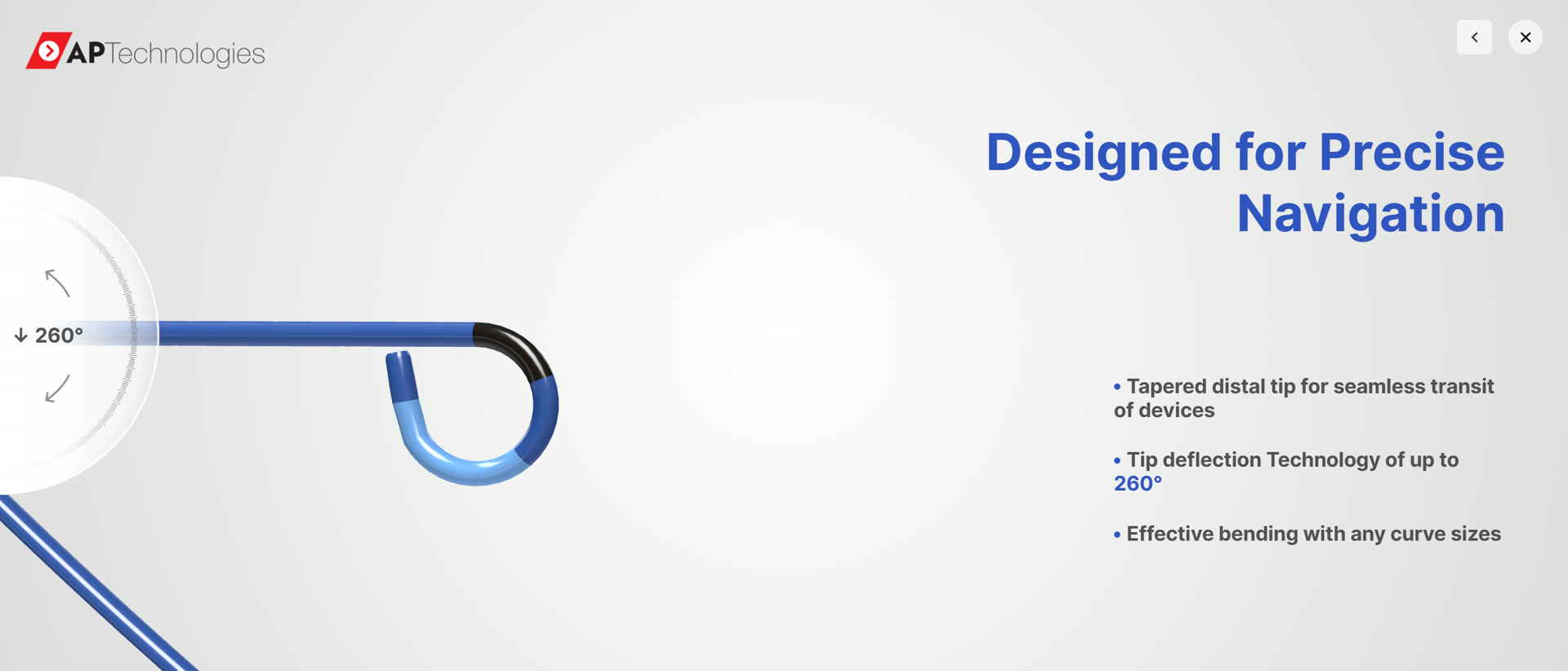
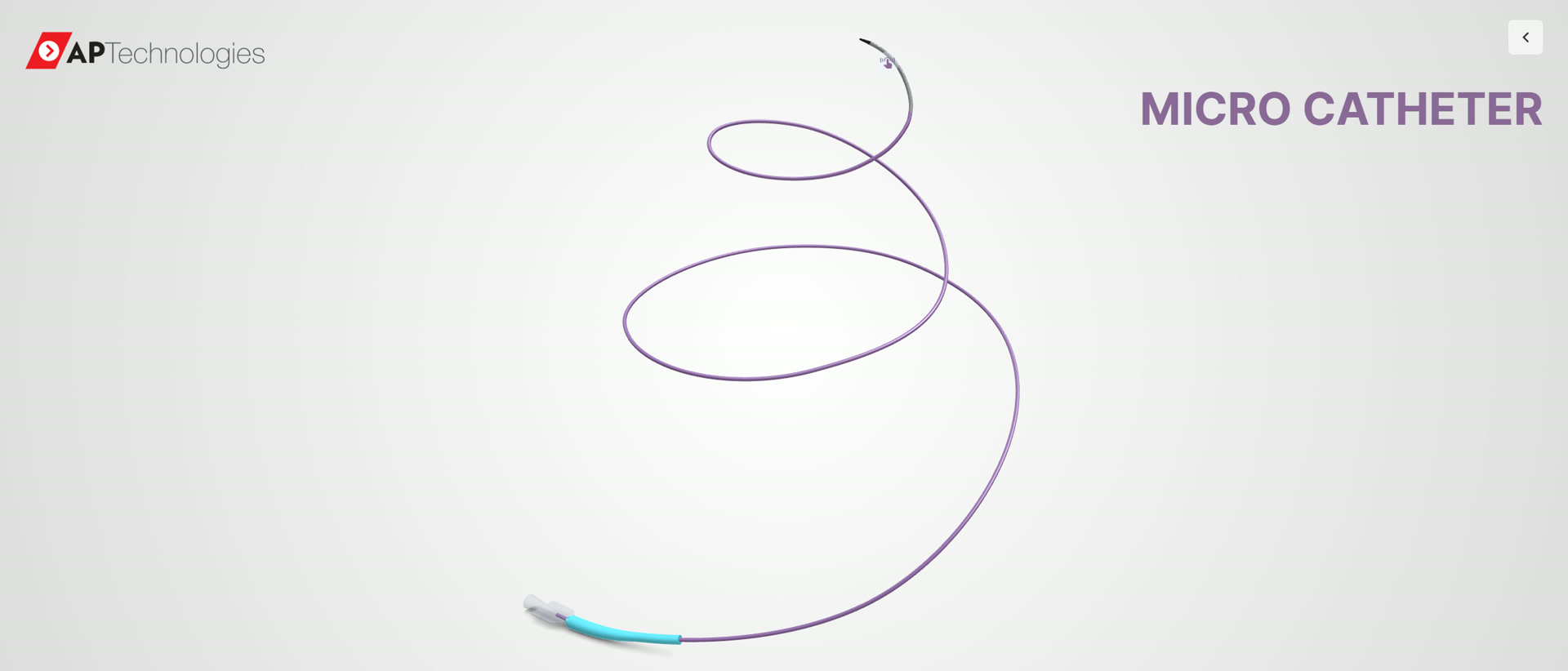
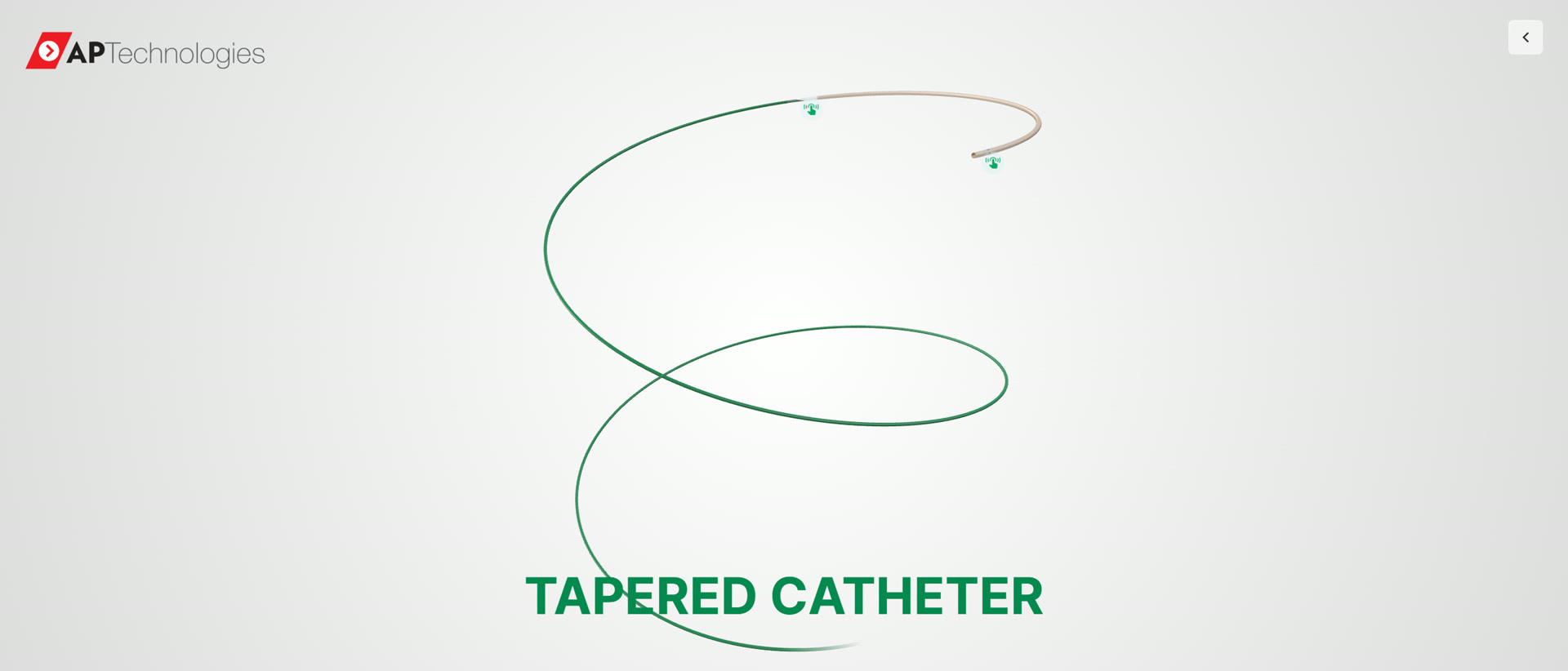
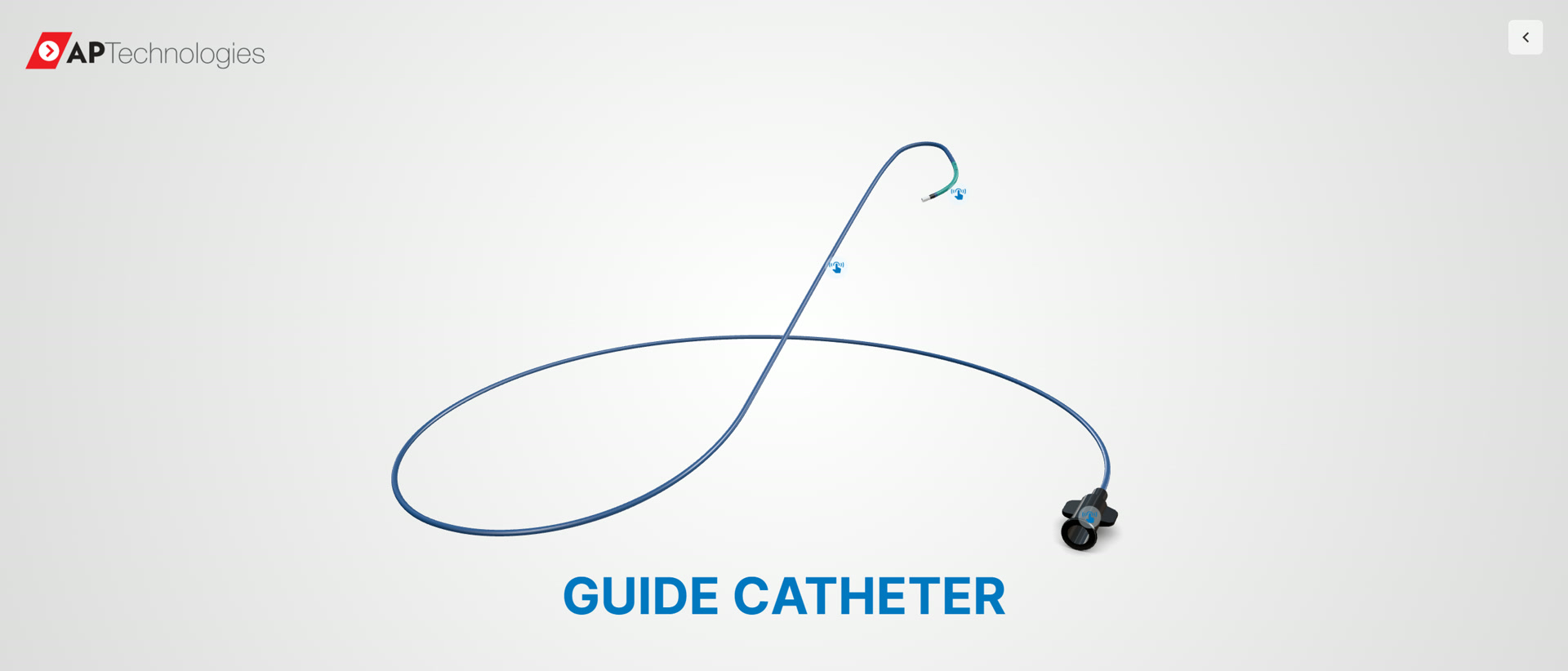
An interactive 3D product series built for AP Technologies, a medical catheter maker. Four separate catheter products — Steerable Sheath, Micro Catheter, Tapered Catheter and Guide Catheter — each run as its own browser-based 3D experience. The product model turns slowly on a full-window stage; click a scene hotspot and the camera moves in to that part while a page of real product copy opens beside it. On the Steerable Sheath, a control wheel at the lower left drives the catheter tip from 0° to 260° of deflection by press-and-drag, with the current angle shown live on screen. Every product carries its own hotspots and its own named features, and all four run in the browser without a plugin or a download.
The four products in this series
-
-
-
-
What an interactive 3D catheter product series is
Give customers a clearer way to explore products, understand components, and follow how they work — directly in the browser.
A manual your users will actually open. Nobody wants to flip 300 pages to find one button. We turn product manuals into interactive 3D experiences: explode the product, tap any part to identify it, watch assembly or maintenance steps play out in 3D — in the buyer’s own language.
How buyers use it
- 01
Users answer their own questions on the model instead of searching a PDF.
- 02
Assembly and service steps are followed in 3D, in the order they actually happen.
- 03
One model carries every language — the translation lives in the content, not in print.
- 04
The part a user points at is the part they are told about.
What we built — in this project
- Four separate catheter products shipped as four standalone browser experiences — Steerable Sheath, Micro Catheter, Tapered Catheter and Guide Catheter
- Full-window 3D stage — the catheter model keeps a slow continuous rotation and can be orbited by dragging
- Scene hotspots drive navigation: clicking a hotspot on the 3D model moves the camera to that part and opens its product page — verified hotspot by hotspot on all four products (3 + 1 + 2 + 3 = 9 hotspots)
- A control wheel steers the catheter tip — press and drag the wheel on the Steerable Sheath to deflect the tip continuously from 0° to 260°, with the live angle shown on screen
- Each product page carries its own named feature copy — "Designed for Precise Navigation", "Enhanced Stability" and "1:1 Torque Response" on the Steerable Sheath; "Superb Flexibility" on the Micro Catheter; "Marker Band" and "Tapered Bonding" on the Tapered Catheter; "Soft Bumper Tip", "Reinforced Structure" and "Reliable Hub" on the Guide Catheter
- A close control on every page returns the experience to the product overview, and each product opens straight from its own single link
How the experience works
- 01
Content audit
We map every chapter of your existing manual to 3D interactions.
- 02
3D model & animation
Models built or converted; assembly and maintenance steps animated.
- 03
Manual platform build
Search, annotation and language system built and localized.
- 04
Publish & maintain
Deploy on web or in-app; update content without rebuilding.
What we can build for you
These are capabilities INTR can customise and build for your product — they are not a claim that every one of them appears in the project above.
- 01
Interactive 3D Product Documentation
- 02
Component Exploration
- 03
Exploded & Assembly Views
- 04
Guided Product Walkthroughs
- 05
Interactive Hotspots
- 06
Technical Product Visualization
- 07
Browser-Based 3D Manuals
- 08
Responsive Desktop and Mobile Experiences
Typical situations
- Automotive (owner & workshop manuals)
- Machinery & equipment
- Electronics & appliances
- Furniture (assembly guides)
- Medical devices
Technical notes
Three.js / WebGL · glTF / GLB · i18n framework · PDF/PNG export · Static hosting
Project fit & delivery
- Who this is for
- For product brands and manufacturers whose products contain multiple components, parts, features, or usage steps that are easier to understand through interactive visual guidance.
- Typical project inputs
- Typical project inputs include product specifications, existing manuals or diagrams, product imagery, step-by-step instructions, component information, brand guidelines, and existing 3D assets or visual references when available.
- Integration
- The interactive manual can be published as part of an existing product, support, resource, or help experience, or delivered as a standalone web page. It can also be incorporated into a Shopify-based storefront when the product experience is managed through Shopify.
- Limitations
- The depth of the interactive experience depends on the quality and availability of product information, visual references, and 3D assets. Complex products or large numbers of guided steps may require additional content preparation and interaction design.
Have a product in mind?
Tell us what needs to be explained, configured or experienced.
Reply within 1 business day · GMT+8